
Search Google or Type a URL: What It Means for Your Brand's Online Visibility
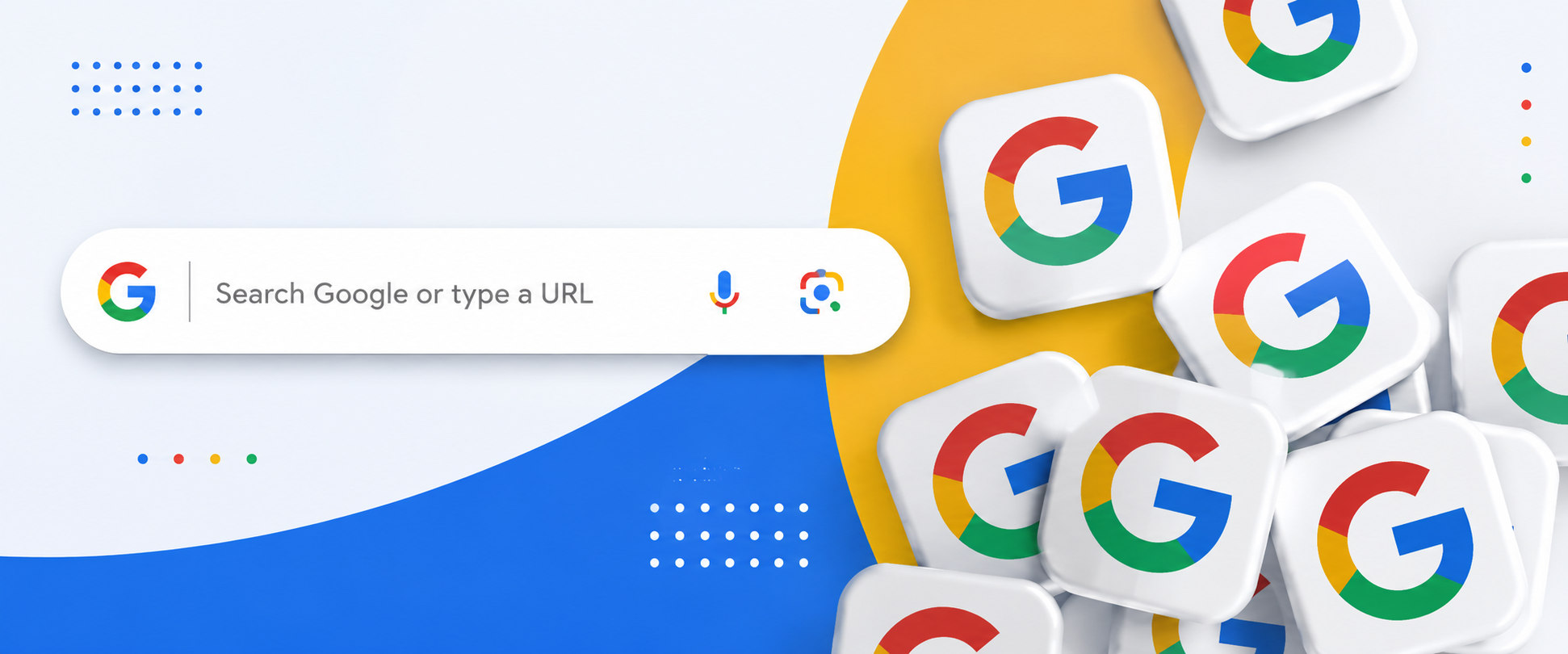
You open Chrome. You click the address bar. Six words appear in pale grey: "Search Google or type a URL."
You have seen this roughly ten thousand times. But you have probably never stopped to think about what it actually means.
That bar is where almost every online journey begins. Whether someone finds your business or lands on a competitor often comes down to what happens in those first few keystrokes.
What Is the Omnibox and Why Should You Care
Chrome calls it the Omnibox. Before it existed browsers had two separate fields: one for web addresses and one for search queries. Chrome merged them into a single bar and changed how the entire internet gets navigated.
Type "digital marketing agency" and Chrome pulls up Google organic search results. Type "codetocouture.com” and it skips the search engine entirely and takes you straight to the site. Same bar. Completely different journeys.
But the Omnibox does more than just search and navigate. It performs mathematical calculations. It answers general queries like unit conversions. It autocompletes based on your browsing history. It fixes typos and predicts where you are probably heading before you finish typing. Most people use it on autopilot without realising how much is happening underneath.
For users it is a convenience tool. For businesses it is a daily competition in online visibility that most do not even know they are in.
Searching vs Typing: The Intention Behind Each

When someone searches they are exploring. They have a problem and they want options. Type "best SEO agency for ecommerce" and Chrome sends you to a search engine results page full of possibilities. Show up there and you are being discovered by someone who had never heard of you before. That is organic search traffic and keyword ranking doing their job.
When someone types a URL directly they already know where they are going. A colleague mentioned you. They visited before and came back. That is called direct traffic and it is one of the clearest signals that your brand has actually stuck in someone's mind.
Search traffic is won through on-page SEO and content built around real user intent. Direct traffic is built through brand recognition and consistent visibility. Businesses that earn both grow steadily and do not panic every time a Google algorithm update rolls out.
How Google Autocomplete Works in the Omnibox

When you start typing in the Omnibox you will notice suggestions appearing before you even finish your query. These are Google autocomplete predictions and they are not random.
Autocomplete is driven by search popularity. The phrases that appear are based on what large numbers of people are already searching for. If a term is relatively new or not widely used the predictions may not show up at all.
For businesses this matters more than most realise. If your brand name or service starts appearing in autocomplete suggestions it means enough people are searching for you that Google considers it a relevant prediction. That is a strong indicator of growing brand awareness. It also means that even partial typing can lead someone directly to your site without them having to finish the search.
Understanding autocomplete is part of understanding how your audience actually searches and what language they use when they are looking for what you offer.
Why Most Businesses Are Invisible in That Bar
Someone opens Chrome and types "Best SEO agency for ecommerce brands." Ten results appear on the search engine results page. If your site is not in that list you simply do not exist to that searcher. They click whoever is there and probably stay.
The language on your website has to match what your target audience actually types. Not your internal jargon. The real words real people use when they have a problem and need a solution. That is what keyword research is for. If there is a gap between your content and your audience's search intent your site is not working as hard as it should be.
Your domain name matters too. A clean memorable web address is one people can hear once and type without hesitating. If someone recommends your business and the other person finds you immediately without Googling around that is a conversion that costs nothing. Word of mouth only works when the destination is easy to reach.
Voice Search and What It Means for the Omnibox

Search has moved beyond typing. Voice search through the Chrome Omnibox lets users speak their query directly into the browser by clicking the microphone icon in the search bar. Google then processes the spoken phrase and returns relevant results just like a typed search.
This shift matters for SEO because voice queries tend to be longer and more conversational than typed ones. Someone typing might enter "SEO agency Delhi" but speaking they might say "what is the best SEO agency for small businesses in Delhi." If your content is only optimised for short typed keywords you are missing a growing slice of how people search.
Building content that answers real questions in natural language covers both bases.
How to Search Using the Chrome Omnibox
Using the Omnibox is straightforward once you know what it can do. Here is how to make it work for you.
Google is the most widely used search engine online and the Omnibox is your direct line to it. To search follow these steps:
Step 1: Open Chrome and click on the address bar at the top of the browser.
Step 2: Type your query in plain language like "best digital marketing agency for ecommerce."
Step 3: Press Enter. Chrome loads a Google results page with the most relevant options.
Step 4: Scan the results and click the link that best answers what you were looking for.
The more precise your keywords the better your results. Vague searches will give you vague answers.
To skip search entirely type the full URL like codetocouture.com directly into the same bar and press Enter. If the site is live you land on it instantly with no results page in between.
A few things that make the Omnibox even more useful
-
Autocomplete: Chrome suggests searches and URLs as you type. Click when you see what you need.
-
Specific queries: "SEO agency for small businesses India" gets sharper results than just "SEO agency."
-
Site search: Type a domain and keyword together like "codetocouture.com SEO tips" to search within that site directly.
-
Voice search: Click the microphone icon and speak your query instead of typing it.
The Omnibox is designed to get you where you need to go with as few keystrokes as possible. The more deliberately you use it the faster and more accurate your results.
How to Show Up Both Ways
Two things drive visibility in the Omnibox: search relevance and brand recall.
Search relevance means showing up in organic results. Build content around the specific search intent of your audience. Target keywords that signal buying intent and answer the questions your customers are genuinely asking. The more your content matches what they type the more likely Chrome surfaces you.
Brand recall means being the name someone types directly into the address bar. Consistent brand identity and a clean URL structure get you there. The more a potential customer encounters your name in the right places the more likely they skip the search results page and come straight to you.
Code to Couture builds SEO strategies around both. Not just chasing keyword rankings but building a digital presence strong enough that your audience finds you either way they look.
The Bar Is Small. The Stakes Are Not.
Six words. One box. But that little Chrome prompt is where your next customer either finds you or finds someone else.
Be easy to discover through organic search. Be even easier to remember by name.
Frequently Asked Questions
What does "Search Google or Type a URL" mean in Chrome?
It is the placeholder text in Chrome's Omnibox indicating you can either search Google or go directly to a website by entering its address in the same bar.
What is the difference between searching Google and typing a URL?
Searching Google is for exploring when you have no specific site in mind. Typing a URL takes you directly to a site you already know skipping search results entirely.
What are the uses of the Omnibox in Chrome?
The Omnibox works as both a search bar and an address bar. It also performs calculations, answers general queries, autocompletes search phrases and predicts the website you are trying to reach.
How does the Omnibox affect a brand's SEO strategy?
Every organic search begins in the Omnibox so if your content is not aligned with what your audience types you will not appear. Code to Couture builds strategies that match businesses to the exact searches their customers are making.
Why does direct URL traffic matter for a business?
When someone types your address directly your brand already lives in their memory. Code to Couture helps businesses build the recognition that brings people back without needing a paid nudge.
Is typing a URL safer than searching Google?
Yes. Typing a URL directly is safer because you avoid the risk of clicking on misleading ads or results designed to imitate the website you are looking for.